 CaptureXRecCaptureXRec
Small by design
Install it from the Microsoft Store and start using it. There is nothing else to set up first, and it runs on Windows 10 (version 1809 or newer) and Windows 11.
There is no window to open, resize or close. The floating widget is the whole interface, and it stays where you put it.
Recordings use hardware-accelerated H.264 encoding, which means your graphics card does part of the work instead of leaving it all to the processor.
Global keyboard shortcuts start a capture from anywhere, without searching for the widget first. You can change them to any keys you like.
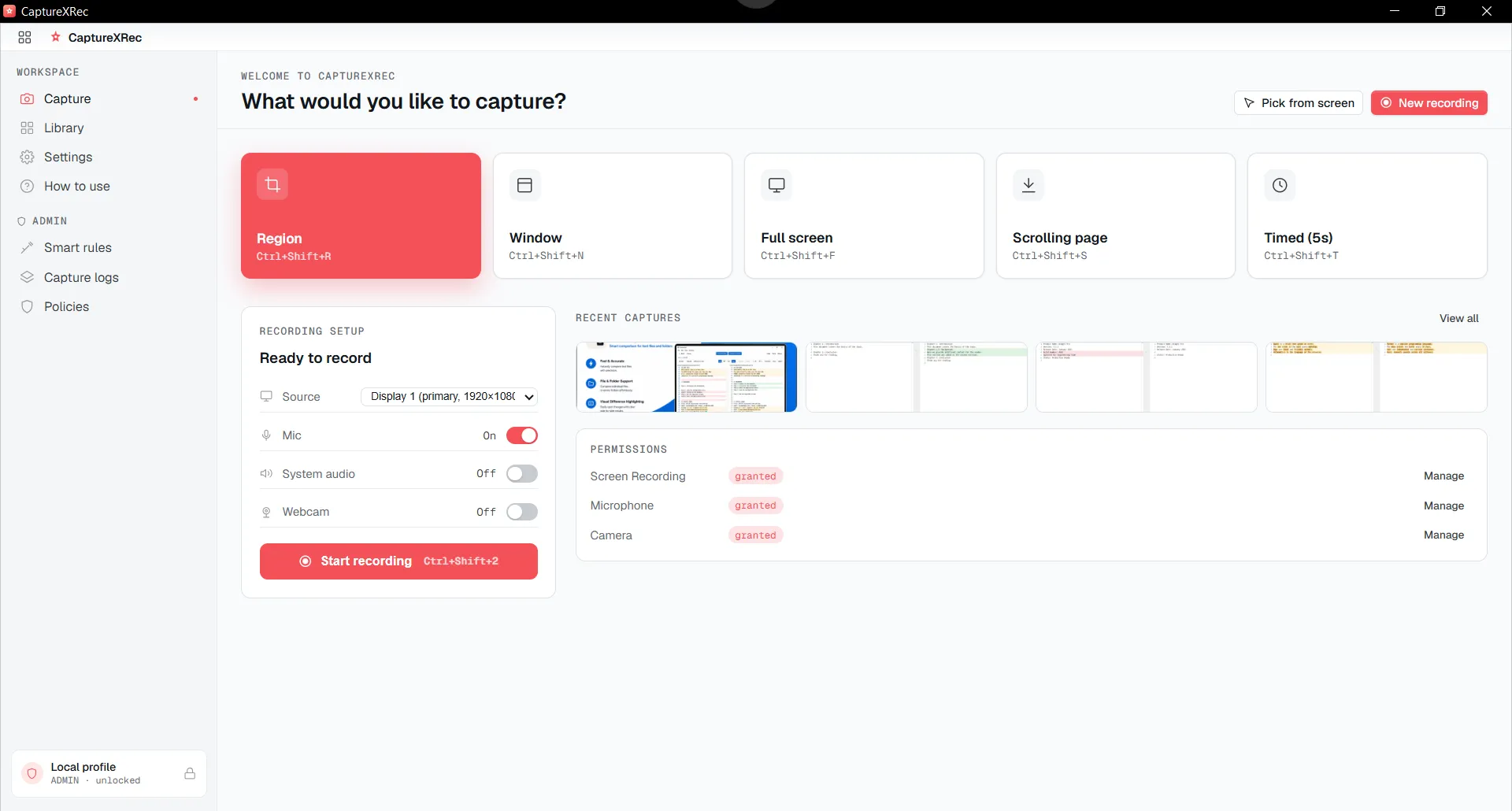
Every capture mode sits behind one small floating widget, with nothing else to open first.
Find CaptureXRec in the Microsoft Store and install it. There is no other software to add first.
It stays always on top, wherever you put it, with no separate application window behind it.
Set a global shortcut to any keys you prefer, so you never need to look for the widget on screen.
Press the shortcut and capture starts right where you are, with your graphics card helping to encode the video.
Supported on
Windows 10 (1809+) · Windows 11 · x64 · ARM64
No. It is a small app with one floating widget instead of a big window, so it stays out of your way while you work.
No. There is nothing extra to install. The Microsoft Store installs everything the app needs.
Yes. It runs on Windows 10 (version 1809 or newer) and Windows 11, natively on both x64 and ARM64 PCs.
Yes. Recording uses hardware-accelerated H.264 encoding, so your graphics card helps with the work.
Just the floating widget, and it excludes itself from every capture and recording it makes, so it never shows up in the result.
$12.49, once.
Buy on Microsoft Store — $12.49